Printing Planners on A4 or US Letter: Sizes, Scaling and Tablet Use
By the Brainfy Studio editorial team · Published
US Letter and A4 look almost the same until you print one on the other: the page shrinks, margins become uneven and lines no longer match your handwriting. The fix is to print the file made for your paper at actual size. If a planner only comes in one size, scaling to fit works — this guide shows by how much it shrinks.
The two sizes
A4 is the international ISO 216 size used in most of the world; US Letter is standard in the US and Canada. Measured from the page boxes of our own PDFs (1 point = 1/72 inch):
| Size | Millimetres | Inches | PDF points |
|---|---|---|---|
| US Letter | 215.9 × 279.4 | 8.5 × 11 | 612 × 792 |
| A4 | 210 × 297 | 8.27 × 11.69 | 595 × 842 |
A4 is 5.9 mm narrower and 17.6 mm taller than Letter.
Print settings
- Open the file that matches your paper (each planner here includes both).
- In the print dialog choose Actual size or 100% scale — not Fit, Shrink or Scale to fit.
- Check the printer's paper setting matches the paper in the tray.
- Print one test page and check the margins before printing a whole set.
- For double-sided printing, flip on the long edge for portrait pages.
Using a planner PDF on a tablet
Our planner PDFs are flat pages: they have no hyperlinked tabs and no fillable form fields (we checked every published PDF). In a note-taking or PDF annotation app you can write on them by hand, but you won't get the tap-to-jump navigation of planners built specifically for tablets. We have not tested any particular tablet app, so try one page in yours first.
Worked example: printing on the wrong paper
When a printer scales a page to fit different paper, it uses the smaller of the two ratios (width and height) so nothing is cut off.
| File → paper | Width ratio | Height ratio | Scale used |
|---|---|---|---|
| US Letter file → A4 paper | 595.28 ÷ 612 = 97.27% | 841.89 ÷ 792 = 106.30% | 97.27% |
| A4 file → US Letter paper | 612 ÷ 595.28 = 102.81% | 792 ÷ 841.89 = 94.07% | 94.07% |
An A4 page on Letter paper shrinks to about 94% — writing lines get about 6% closer together and a band of white appears at the sides. Letter on A4 shrinks less (about 97%) but leaves extra space at the bottom. Printing the matching file avoids both.
Before printing a planner
- Matching file chosen (Letter or A4).
- Actual size / 100% selected.
- Printer paper size set correctly.
- One test page checked.
- Double-sided setting checked on a two-page test.
- Spare copies printed of the pages you use most.
Brainfy files for this task
Checked against the files customers download. Prices are current catalogue prices.
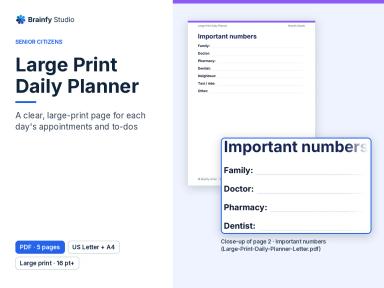
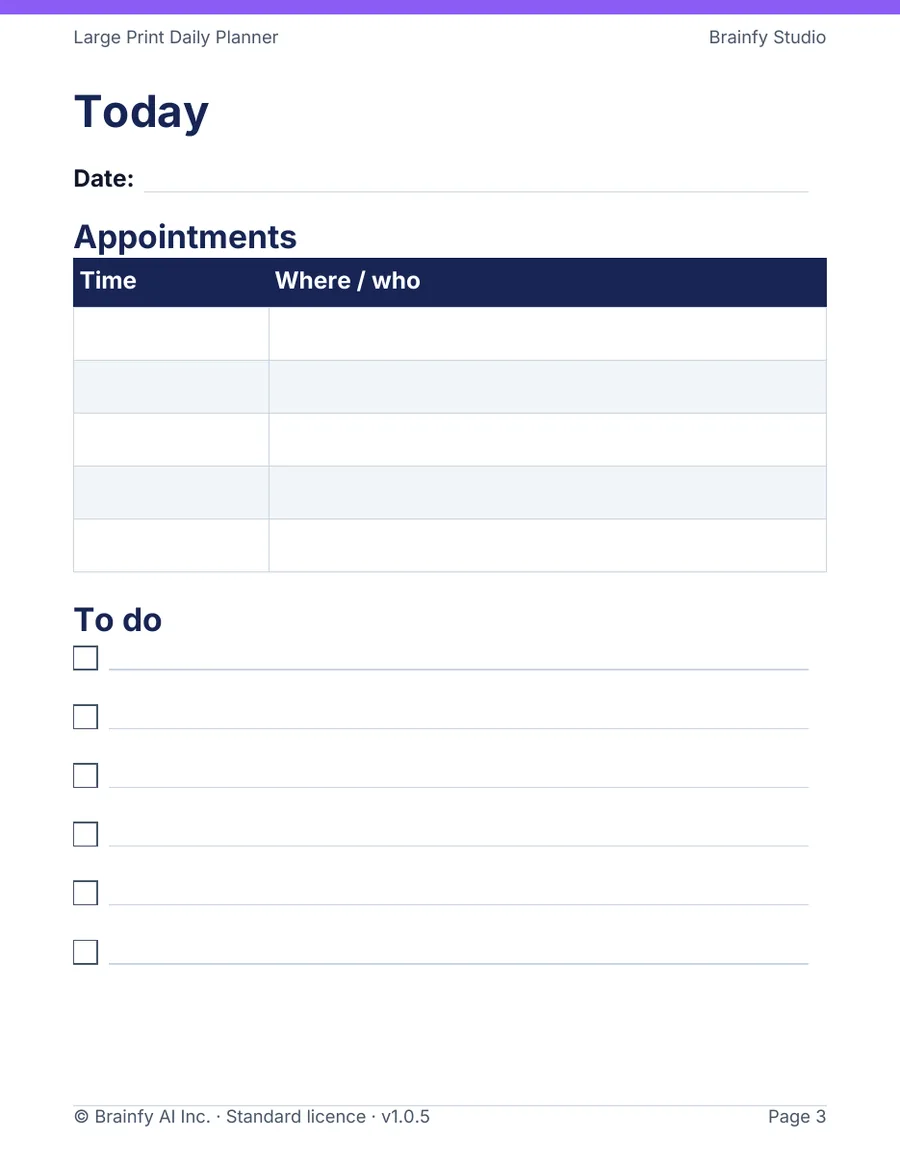
Large Print Daily Planner (Paid — $12.00)
PDF · 2 files · US Letter and A4 · 5 pages per file
A daily page with appointments and a to-do list, a notes page, a weekly overview and important numbers.
Family Routine Planner (Paid — $12.00)
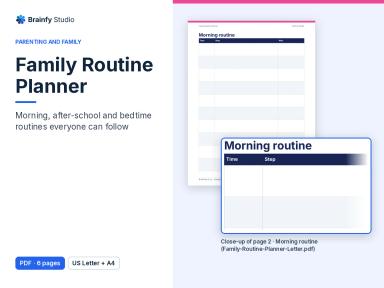
PDF · 2 files · US Letter and A4 · 6 pages per file
Morning, after-school and bedtime routines, a weekly family planner and a monthly routine star chart.
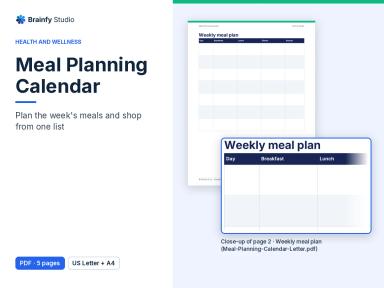
Meal Planning Calendar (Paid — $9.00)
PDF · 2 files · US Letter and A4 · 5 pages per file
Weekly meal planner, monthly dinner calendar, grocery list and favourite meals.
Habit Tracker (Paid — $7.00)
PDF · 2 files · US Letter and A4 · 16 pages per file
Twelve monthly habit grids, a planning page and monthly reflection.
Questions
Which size should I choose in Canada?
US Letter is the common office paper size in Canada as well as the US. If you're unsure, measure a sheet: Letter is 8.5 × 11 inches.
Can I print two pages on one sheet to make a smaller planner?
Yes — most print dialogs offer 2 pages per sheet. Everything scales down, so check that the lines are still big enough to write on.
Are these planners fillable on a computer?
No. They are print-ready PDFs without form fields; write on them by hand on paper or in an annotation app.
Sources and method
Page sizes were read from the page boxes of the published v1.0.4 PDFs (US Letter 612 × 792 pt, A4 595 × 842 pt); the scaling percentages are recomputed by an automated test. No tablet app was tested.
- ISO 216 — Writing paper and certain classes of printed matter — Trimmed sizes — International Organization for Standardization