Appointments, care rotas and key information for family caregivers
By the Brainfy Studio editorial team · Updated
Helping a parent, partner or relative usually means keeping track of many people, appointments and small jobs, often shared between family members who are not in the same place. Most of the stress comes from information that lives in one person's head.
This page sets out a routine for the main records — a binder, appointment notes, a shared rota and handovers — with an example week and links to the guide, sample pages and printable files. The example family is invented.
1. Put the essentials in one binder
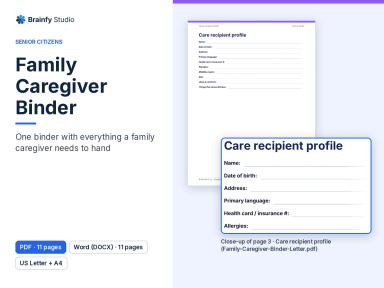
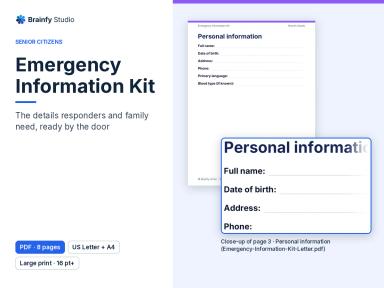
One binder that anyone helping can pick up saves a lot of phone calls: the person's profile, the care team with phone numbers, the weekly schedule, appointments, the medication list as prescribed, daily notes, care expenses and where the important documents are kept. Keep a separate short emergency sheet by the door or on the fridge.
- Start with the profile, the care team and the medication list.
- Agree who keeps each section up to date.
- Bring the binder to appointments, and review it when something changes.
Files
- Family Caregiver Binder (Paid — $39.00)
- Emergency Information Kit (Paid — $14.00)
See inside: Family Caregiver Binder v1.1.3
Renders of pages from the current files (DOCX, PDF). Select a thumbnail to enlarge it.
Use the left and right arrow keys to move between preview images.
2. Go to appointments with questions written down
The day before an appointment, write the questions you want to ask and what has changed since the last visit. Afterwards, write down what you were told, the next steps and the follow-up date while it is fresh, so the rest of the family hears the same thing.
- List each doctor, clinic and pharmacy once.
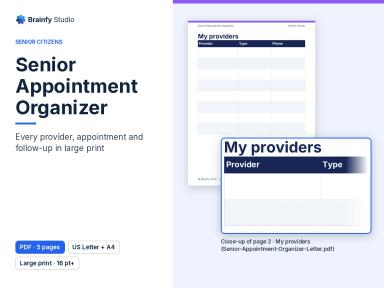
- Record each appointment with the date, place and how the person will get there.
- Fill in the before page the day before and the after page the same day.
Files
- Senior Appointment Organizer (Paid — $14.00)
Free sample: Senior Appointment Organizer v1.0.5, page 4 of 5
Shows: The large-print before-appointment page: questions I want to ask and changes since my last visit.
Not in the sample: The providers list, the appointments log and the after-appointment page (what I was told, next steps and follow-up date).
No account needed. The page is copied unchanged from the current file, with a “Sample” label and a faint watermark added. Free sample: print and use it for yourself, your household or your own business. Don't resell or redistribute the file; share the link instead. The full product is sold under the Standard Licence. See the full product.
3. Share visits and errands across the family
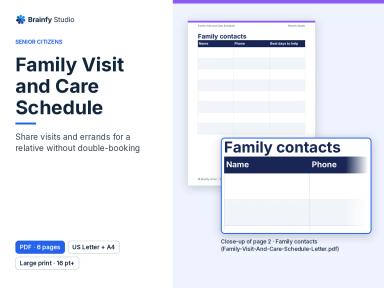
Write who visits on which day and who does each errand, so nothing depends on one person remembering. After each visit, add a line to the visit log for the next person. Check the shared checklist once in a while: does everyone have the current contact list, and is there a backup if a helper can't come?
One week on the visit schedule and errands rota:
| Day | Visit | Errand or task |
|---|---|---|
| Monday | Priya, 10:00–12:00 | Collect prescription (Priya) |
| Tuesday | Phone call with Sam | — |
| Wednesday | Tom, 17:30–19:00 | Weekly food shop (Tom) |
| Thursday | Neighbour Ann, 11:00 | — |
| Friday | — | Drive to eye appointment (Priya) |
| Saturday | Sam, afternoon | Laundry and bins (Sam) |
| Sunday | Family lunch | Plan next week's rota (everyone) |
Files
- Family Visit and Care Schedule (Paid — $14.00)
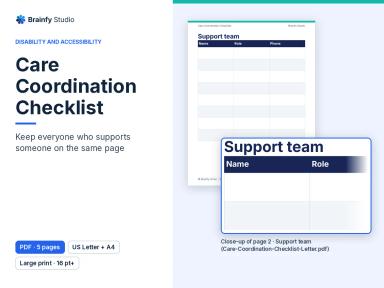
- Care Coordination Checklist (Paid — $12.00)
Free sample: Care Coordination Checklist v1.0.5, page 3 of 5
Shows: The large-print coordination checklist: six tick boxes, from a shared contact list and weekly schedule to a backup plan if a support worker is unavailable.
Not in the sample: The support team directory, the weekly support schedule and handover notes.
No account needed. The page is copied unchanged from the current file, with a “Sample” label and a faint watermark added. Free sample: print and use it for yourself, your household or your own business. Don't resell or redistribute the file; share the link instead. The full product is sold under the Standard Licence. See the full product.
4. Make the day easier to follow
Large, clear pages for the day and week, with important numbers at the front, help many people keep track of appointments on their own. Cards that say how someone prefers to communicate help new helpers and visitors get it right the first time.
- Fill in the important numbers once and keep them at the front.
- Write each day's appointments and jobs on a fresh page.
- Fill in the communication cards in the person's own words.
Files
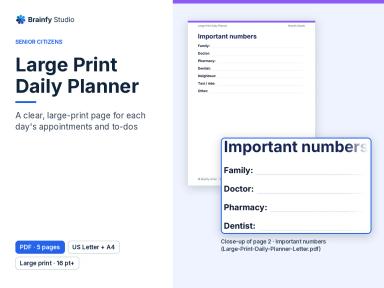
- Large Print Daily Planner (Paid — $12.00)
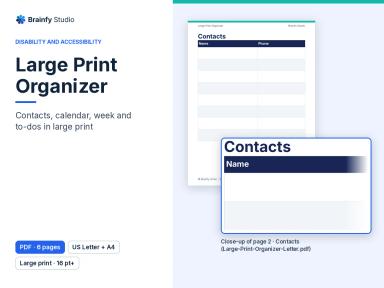
- Large Print Organizer (Paid — $12.00)
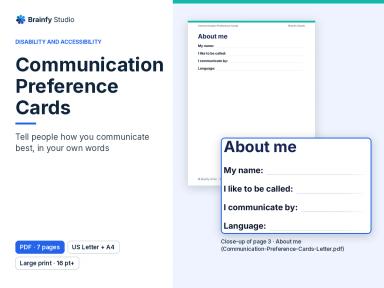
- Communication Preference Cards (Paid — $9.00)
5. Walk through the home together
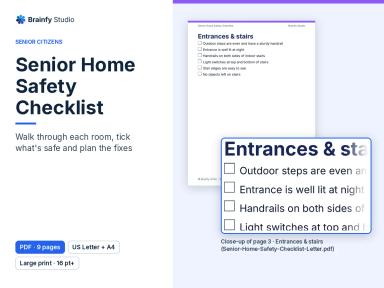
A room-by-room walk-through with the person you care for is a calm way to spot things worth fixing, such as loose rugs, poor lighting at night or a missing handrail. Anything not ticked goes on the action plan with who will sort it and by when. Ask a qualified professional about adaptations.
Files
- Senior Home Safety Checklist (Paid — $9.00)
6. Make time for more than tasks
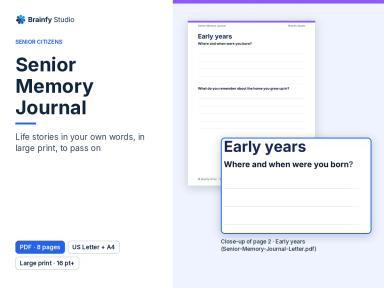
Caring is not only appointments and errands. Recording life stories with guided prompts, or doing a large-print word search together, gives a visit something to talk about.
Files
- Senior Memory Journal (Paid — $19.00)
- Large Print Word Search Collection (Paid — $9.00)
Files mentioned on this page
Facts below are checked against the files customers download. Prices are current catalogue prices in USD.
Family Caregiver Binder (Paid — $39.00)
DOCX + PDF · 4 files · US Letter and A4 · 11 pages per file
Care recipient profile, care team, weekly care schedule, appointment log, medication list (as prescribed), daily care notes, care expenses, an important documents locator and a page for the caregiver.
Emergency Information Kit (Paid — $14.00)
PDF · 2 files · US Letter and A4 · 8 pages per file
Personal information, emergency and healthcare contacts, allergies and conditions, home and utilities shut-offs, and a wallet card.
Senior Appointment Organizer (Paid — $14.00)
PDF · 2 files · US Letter and A4 · 5 pages per file
Large print: a providers list, an appointments log with transport, and before- and after-appointment pages.
Family Visit and Care Schedule (Paid — $14.00)
PDF · 2 files · US Letter and A4 · 6 pages per file
Large print: family contacts, a weekly visit schedule, an errands and tasks rota, a visit log and a monthly calendar.
Care Coordination Checklist (Paid — $12.00)
PDF · 2 files · US Letter and A4 · 5 pages per file
Large print: a support team directory, a coordination checklist, a weekly support schedule and handover notes.
Large Print Daily Planner (Paid — $12.00)
PDF · 2 files · US Letter and A4 · 5 pages per file
Important numbers, a daily page with appointments and a to-do list, a notes page and a weekly overview.
Large Print Organizer (Paid — $12.00)
PDF · 2 files · US Letter and A4 · 6 pages per file
Large-print contacts, a monthly calendar, a weekly plan, a to-do list and notes.
Communication Preference Cards (Paid — $9.00)
PDF · 2 files · US Letter and A4 · 7 pages per file
Large print: an about-me page, how to talk with me (please, please don't, give me time to, I understand best when), who to contact if I need help, what helps and what doesn't, and two cut-out wallet cards, filled in in the person's own words.
Senior Home Safety Checklist (Paid — $9.00)
PDF · 2 files · US Letter and A4 · 9 pages per file
Large print: checklists for entrances and stairs, living areas, kitchen, bathroom, bedroom and fire and emergency safety, plus an action plan.
Senior Memory Journal (Paid — $19.00)
PDF · 2 files · US Letter and A4 · 8 pages per file
Large print: prompts about early years, school, family, work and life, wisdom to share, a photos page and a family tree.
Large Print Word Search Collection (Paid — $9.00)
PDF · 2 files · US Letter and A4 · 25 pages per file
Large Print Word Search Collection: 12 themed word searches with a solution page for each.
Limits and honest notes
- These are organisational records, not medical, legal or financial advice. Follow the instructions of the person's doctors and pharmacist, and get professional advice for legal documents such as a power of attorney.
- Copy medication details exactly from the prescription label or pharmacist. The records don't check doses or interactions.
- Keep the binder somewhere safe and agree with the person you care for who can read it. PDFs are flat printable pages (no fillable fields); the caregiver binder also comes as editable DOCX files, checked in LibreOffice only. See the compatibility page.
Read what we test for each file format and the licence. All free samples are on the samples page.