Construction Daily Report Template: What to Record Every Day on Site
By the Brainfy Studio editorial team · Published
A daily report is the job's memory. Written the same day, in the same format, it shows who was on site, what was done and what got in the way — the facts you need weeks later when a schedule, an invoice or a change is questioned.
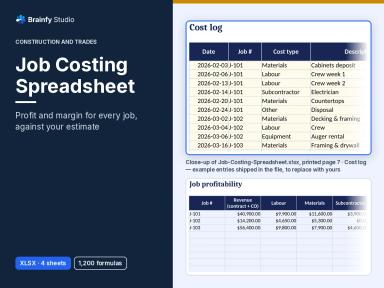
Free online tool: Job Costing Calculator
Enter a job's contract value, change orders and costs by type to see gross profit, margin and variance from estimate. Runs in your browser; no account needed.
Open the job costing calculatorWhat a daily report should cover
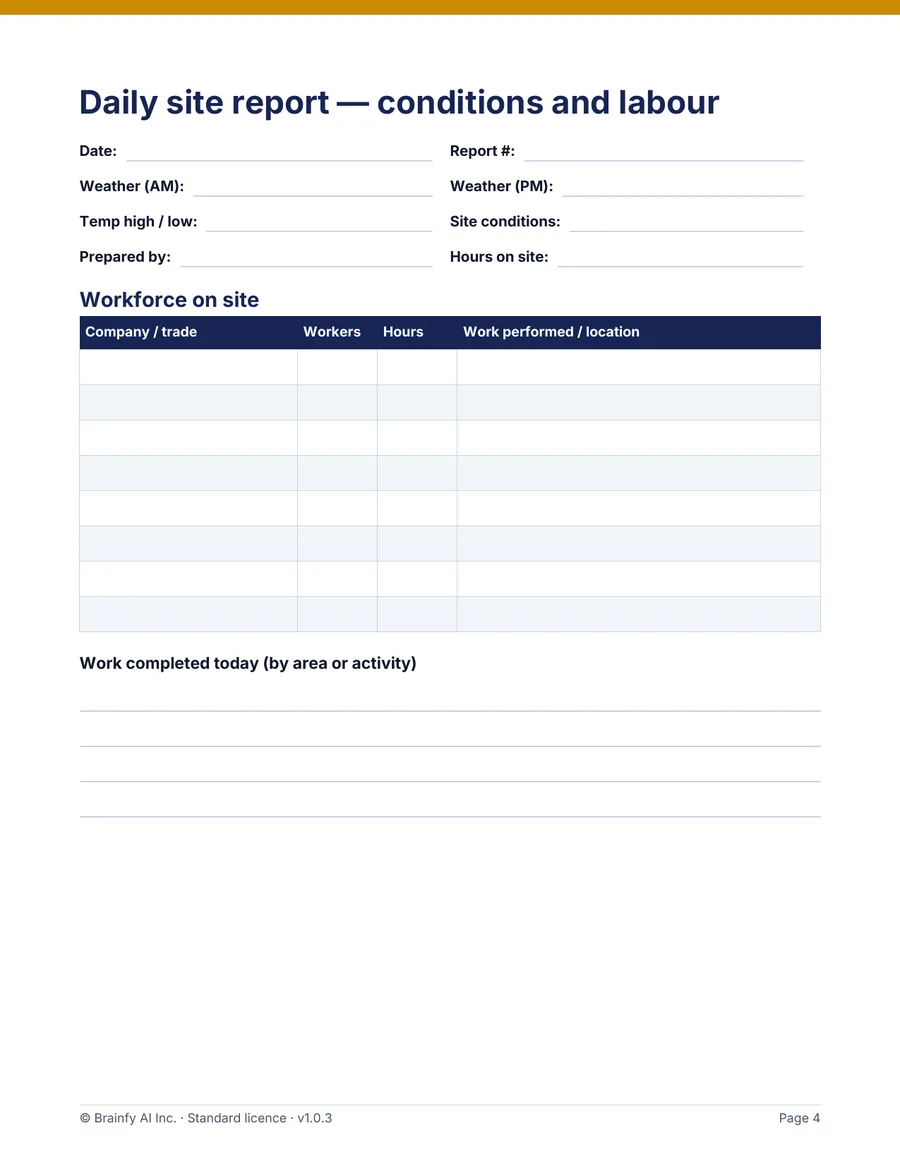
Public-agency construction manuals, which publish their daily report forms, ask for broadly the same core facts: date and weather, the contractor's workforce and hours, equipment and its use, and what happened that day. Private jobs don't have to follow an agency format, but the same fields work.
| Field | What to write | Why it matters later |
|---|---|---|
| Date, report #, prepared by | One report per working day, numbered in sequence | Shows the record is complete and contemporaneous |
| Weather AM / PM, site conditions | Rain, wind, temperature, mud, access | Supports weather-delay discussions |
| Workforce | Each company or trade, number of workers, hours, work and location | Labour hours for job costing and progress |
| Equipment | Owned or rented, hours used, idle or down time | Rental costs and productivity |
| Deliveries | Material, supplier, ticket number, any shortage or damage | Matches invoices and back-charges |
| Visitors and inspections | Name, company, purpose, result | Inspection history and site access |
| Delays and instructions | What stopped work, for how long, who gave which instruction | Basis for change orders or time extensions |
| Safety observations | Toolbox talks, hazards, incidents | Your safety record (follow any legal reporting duty separately) |
Write it the same day
Fill the report in before leaving site, or first thing the next morning at the latest. Stick to facts — times, quantities, names — and leave opinions out. If something changes after you write it, add a dated note rather than editing the original line.
Daily report vs weekly summary
The daily report is detail; the weekly summary is the overview for the client or office: crew sizes per day, main activities, delays, progress against schedule and what is planned next week. Writing the weekly summary from the daily reports takes minutes if the dailies are complete.
Worked example: one day on a house addition
An invented day, to show the level of detail. Morning dry, rain from 1:30 pm; roofing stopped for 1.5 hours.
| Company / trade | Workers | Hours each | Worker-hours | Work and location |
|---|---|---|---|---|
| Own crew — framing | 4 | 8 | 32 | Roof framing, rear addition |
| Electrical subcontractor | 2 | 6 | 12 | Rough-in, ground floor |
| Plumbing subcontractor | 1 | 4 | 4 | Drain stack, bathroom |
| Total | 7 | 48 |
Delay record: rain 1:30–3:00 pm stopped roofing for the 4-person framing crew = 4 × 1.5 = 6 crew-hours lost; the crew moved to interior blocking. Delivery: 2 bundles of roof sheathing, ticket number noted, one sheet damaged and photographed (photo log #14).
With those numbers on paper, the weekly summary, the job costing entry (48 worker-hours) and any later delay discussion all start from the same facts.
End-of-day checklist
- Date, report number and your name filled in.
- Weather for morning and afternoon.
- Every company on site, with headcount and hours.
- Equipment hours, including idle or down time.
- Delivery ticket numbers and any damage.
- Visitors and inspections, with outcomes.
- Delays: cause, start and end time, who was affected.
- Instructions received and from whom.
- Photos taken and logged with numbers.
- Signed off.
Brainfy files for this task
Checked against the files customers download. Prices are current catalogue prices.
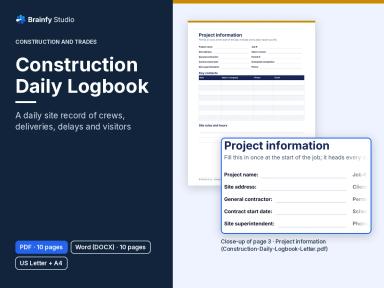
Construction Daily Logbook (Paid — $19.00)
DOCX + PDF · 4 files · US Letter and A4 · 10 pages per file
A two-page daily site report (conditions and labour; equipment, deliveries and events) plus project information, weekly summary, delay record, visitor, instructions/RFI and photo logs. The Word files have fill-in fields; the PDFs are for printing.
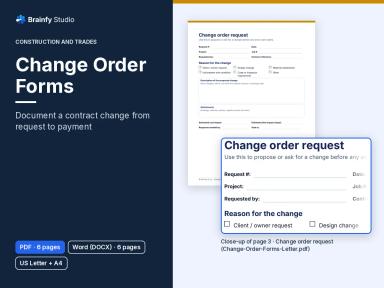
Change Order Forms (Paid — $19.00)
DOCX + PDF · 4 files · US Letter and A4 · 6 pages per file
For when a site instruction turns into a priced change to the contract.
Questions
Is a daily report a legal requirement?
That depends on your contract and where you work. Many contracts and public agencies require one; even when nothing requires it, a consistent daily record is useful evidence. Check your contract.
Paper or digital?
Either, as long as it is filled in every day. The logbook comes as a printable PDF and an editable Word file in US Letter and A4.
Who should write it?
The person running the site that day — usually the site supervisor or lead hand — and it should be signed.
Sources and method
The field list is our own, cross-checked against the public-agency daily report forms and manuals listed. Those are for public road contracts; we cite them as examples of what record keepers ask for, not as rules for private jobs. The example day is invented; its totals are checked by an automated test.
- Inspector's Daily Report, DOT Form 422-004 — Washington State Department of Transportation
- Local Assistance Procedures Manual, Chapter 16: Administer Construction Contracts — Caltrans
- Contract Inspector Handbook — FHWA Western Federal Lands Highway Division