Construction Change Order Form: How to Price, Approve and Track a Change
By the Brainfy Studio editorial team · Published
A change order is a written agreement to change the scope, price or time of a contract. Most disputes about extras come from changes that were done on a verbal "go ahead" and priced afterwards. The fix is a simple sequence: request, price, sign, then build.
Free online tool: Job Costing Calculator
Enter a job's contract value, change orders and costs by type to see gross profit, margin and variance from estimate. Runs in your browser; no account needed.
Open the job costing calculatorAlso useful: Construction Estimate Calculator
The sequence
- Request — the client, designer or you records what should change and why, before work starts.
- Price — break the change into labour, materials, equipment and subcontract, add overhead, profit and any applicable tax, and state the effect on the schedule in days.
- Approve — both parties sign the change order. It shows the original contract sum, earlier approved changes and the revised contract sum.
- Log — enter it in the change order log with its status (pending, approved, rejected).
- Invoice — bill approved changes in line with your contract's payment terms.
What the form must show
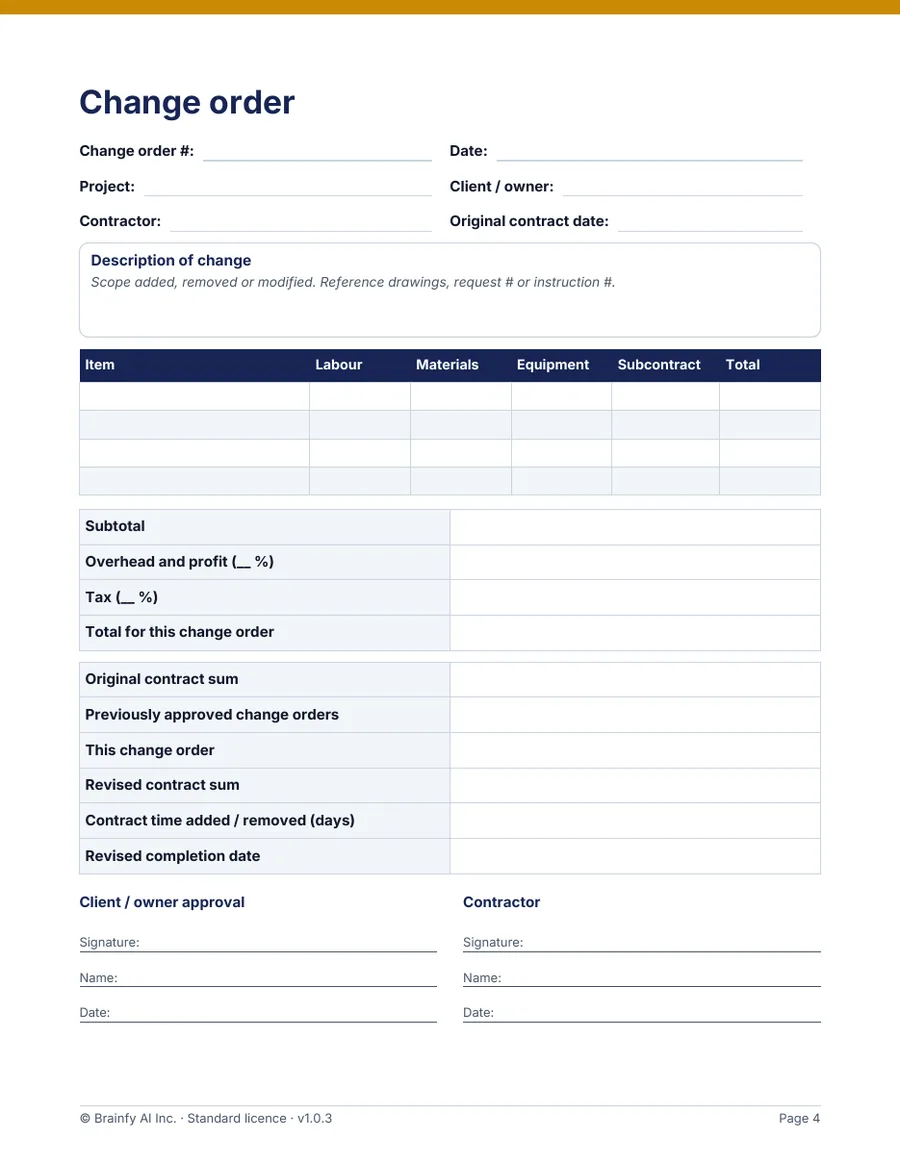
Whatever template you use, the signed change order should let someone who wasn't there understand the change a year later.
- A sequential change order number and date.
- A plain description of what is added, removed or modified, with drawing or instruction references.
- The cost breakdown and how overhead and profit were applied.
- The original contract sum, previously approved changes and the revised contract sum.
- Days added or removed and the revised completion date.
- Signatures, names and dates for both parties.
Lump sum or time and materials
If the scope is clear, price it as a lump sum before work starts. If it can't be defined — opening a wall to find unknown damage, for example — agree rates in writing and record actual labour, materials and equipment each day on a time-and-materials sheet signed by the client's representative.
Contracts set the rules
Your contract decides who can order a change, how notice must be given and how quickly you must ask for a price or time adjustment. Formal contracts can be strict: the changes clause used in many US federal construction contracts, for example, requires written notice and sets time limits for claiming an adjustment. Read the change clause in your own contract and get advice if a change is disputed.
Worked example: change order #3 on a renovation
Original contract sum $84,500. Two changes already approved: #1 for $3,200 and #2 for $1,850. The client now asks to move a bathroom wall (example rates: labour $68/h, overhead 10% on direct cost, profit 10% on direct cost plus overhead; tax not shown — apply whatever applies to your contract).
| Line | Calculation | Amount |
|---|---|---|
| Labour | 18 h × $68 | $1,224.00 |
| Materials | framing, drywall, finish | $1,460.00 |
| Equipment | dumpster swap | $180.00 |
| Subcontract | electrician — relocate two outlets | $900.00 |
| Direct cost | sum of the four lines | $3,764.00 |
| Overhead 10% | $3,764.00 × 10% | $376.40 |
| Profit 10% | ($3,764.00 + $376.40) × 10% | $414.04 |
| Change order #3 total | direct + overhead + profit | $4,554.44 |
Revised contract sum = $84,500 + $3,200 + $1,850 + $4,554.44 = $94,104.44. Time impact: +3 working days, written on the form with the new completion date before anyone signs.
Before work on a change starts
- Request recorded in writing.
- Scope described plainly, with references.
- Price broken down and checked.
- Time impact stated in days.
- Revised contract sum calculated.
- Signed and dated by both parties.
- Entered in the change order log.
Brainfy files for this task
Checked against the files customers download. Prices are current catalogue prices.
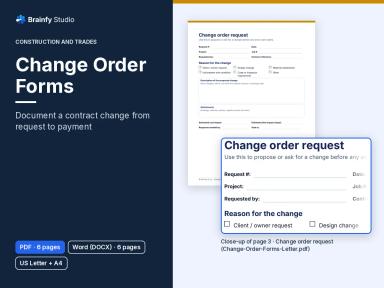
Change Order Forms (Paid — $19.00)
DOCX + PDF · 4 files · US Letter and A4 · 6 pages per file
Change order request, priced change order (cost breakdown, overhead, profit and tax lines, original and revised contract sum, time impact, two signature blocks), change order log and a time-and-materials record.
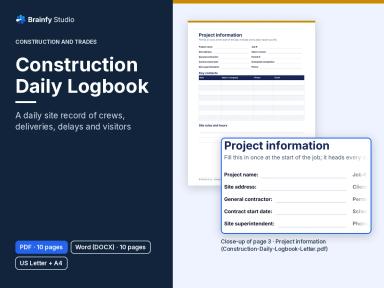
Construction Daily Logbook (Paid — $19.00)
DOCX + PDF · 4 files · US Letter and A4 · 10 pages per file
Its instructions/RFI log and delay record capture the site events that often lead to a change order.
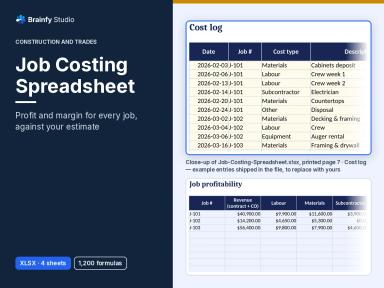
Job Costing Spreadsheet (Paid — $39.00)
XLSX · 1 file · sheets: Start Here, Job Summary, Jobs, Costs
Has a change orders column per job, so revenue includes approved changes when it calculates margin.
Questions
Can a change order reduce the price?
Yes. A deletion is a change order with a negative amount (a credit). Log it the same way.
What if the client won't sign before work must continue?
Follow the notice and dispute steps in your contract, record the instruction in your daily report and keep time-and-materials records. Get professional advice if the amount is significant.
Does the Word form calculate totals?
No. The Word and PDF forms are for writing in and signing; do the maths in the job costing or estimate calculator and copy the totals across.
Sources and method
The FAR clause is cited only as an example of a formal changes procedure in US federal contracts; private contracts and other countries have their own terms. The example amounts are invented and recomputed by an automated test.
- FAR 52.243-4 Changes — Acquisition.gov (US Federal Acquisition Regulation)
- FAR Subpart 43.2 — Change Orders — Acquisition.gov